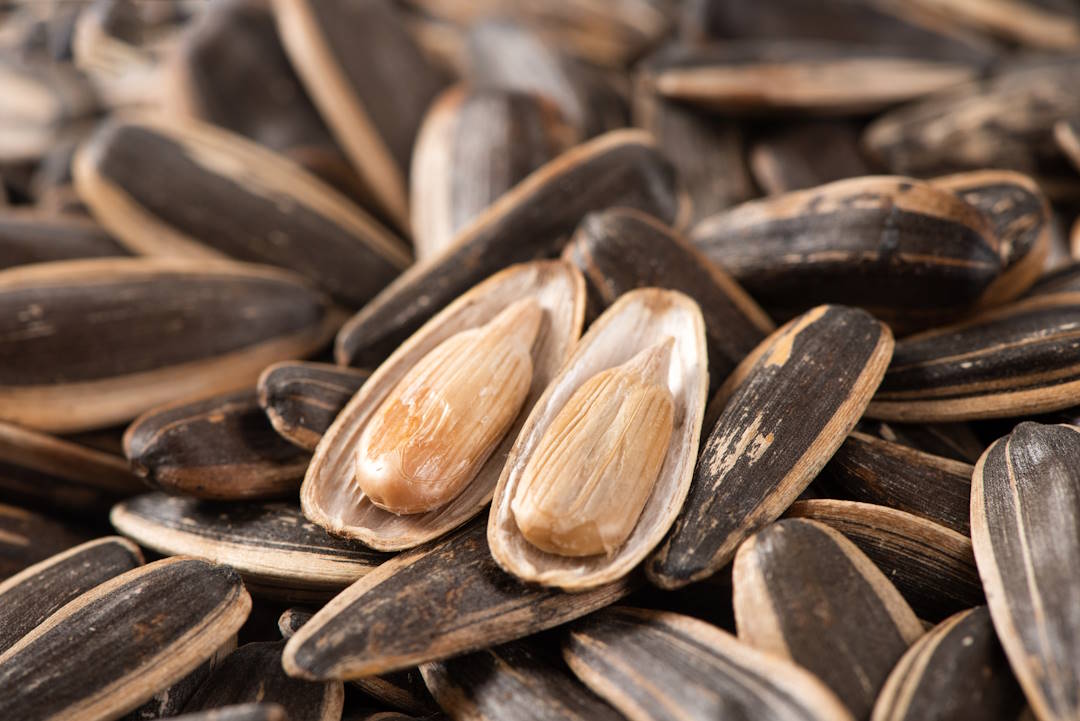
In the crypto world, investment opportunities are no longer limited to digital assets like Bitcoin or Ethereum. As we explained in our article Tokenization of Agricultural Commodities, Coimex now makes it possible to transform real food commodities into digital assets through blockchain technology.
This system offers investors the opportunity to contribute to the agricultural economy while making a real asset-backed investment that can protect against inflation. In this article, we explain step by step how even someone with zero crypto knowledge can easily buy and sell commodity tokens.
1. Which Currency Is Used for Transactions?
Commodity tokens can currently be bought and sold using two digital currencies:
- $USDT (Tether): The world’s largest “stablecoin,” fixed at the value of 1 US dollar. This means that when you make transactions with USDT, you are effectively investing in dollars.
- $EXIM (Exim Token): The native token of the Coimex ecosystem.
Coimex’s commodity treasury may occasionally allow purchases only with EXIM or sales only with USDT. However, buying and selling is never completely closed in the system.
Coimex always provides a buyback guarantee. This way, investors do not have to worry about being “stuck” with their commodities and can sell their tokens whenever they wish.
2. On Which Network Do Transactions Occur?
All tokens in the Coimex ecosystem, meaning both EXIM and all commodity tokens, currently operate exclusively on the Avalanche (AVAX) network.
You must perform all purchases, sales, and transfers on the Avalanche C-Chain network. Binance Smart Chain (BSC) or Ethereum are not supported at this time.
3. Create a Personal Wallet
To purchase commodity tokens, you must first have a personal crypto wallet. This wallet keeps your digital assets secure. The most commonly used wallets are:
Higher security tip: Instead of using your wallet as a browser extension (e.g., a Chrome extension), it is considered safer to install and use it as a mobile application (phone). Mobile apps generally provide better protection for key management and app isolation and are less vulnerable to browser-based attacks.
After installing the wallet, make sure to securely store the 12- or 24-word recovery phrase given to you. If you lose these words, you will never be able to access your wallet again.
4. How to Buy USDT and AVAX?
To perform transactions, you must have USDT and a small amount of AVAX.
Steps:
- Open an account on any centralized crypto exchange that supports your local currency (e.g., Binance).
- Deposit your local currency (e.g., Turkish Lira in Turkey) into the exchange from your bank account.
- Using the exchange’s trading screen, purchase USDT and a small amount of AVAX with your deposited funds.
- Send the purchased assets to your personal wallet. Be sure to select Avalanche C-Chain as the transfer network.
Exchanges typically apply minimum withdrawal limits and small transaction fees. Therefore, performing the transaction all at once is usually more cost-effective.
5. How to Buy and Sell EXIM?
Exim Token is currently listed only on the WEEX exchange and trades with the EXIM/USDT pair.
To Buy Exim Token:
- Create an account on WEEX and complete the KYC (identity verification) process.
- WEEX does not currently support fiat (e.g., Turkish Lira) deposits/withdrawals. Therefore, you must first buy USDT on another exchange (e.g., Binance).
- Send your purchased USDT to your WEEX account using any supported network.
- Enter the EXIM/USDT pair on WEEX and buy any amount of EXIM you want.
- Withdraw your Exim Tokens to your personal wallet via Avalanche C-Chain.
To Sell EXIM:
- Send your EXIM Tokens from your personal wallet to the WEEX exchange via Avalanche C-Chain.
- Sell EXIM on the EXIM/USDT trading pair.
- After the sale, you may:
- Withdraw the USDT to your personal wallet, or
- Send it to a fiat-supporting exchange (e.g., Binance) and convert it into your local currency (e.g., Turkish Lira).
6. Commodity Token Trading
Commodity tokens can currently be bought and sold only through the EXIM Token Application (EXIM App).
What Is the EXIM App?
EXIM App is the application accessed via the “Connect Wallet” button on the EXIM Token website. After connecting your personal wallet, you can:
- Buy or sell commodity tokens.
- Join Halal Staking (fixed-term investment) solutions.
- Participate in the soon-to-launch Agro Pool (Agricultural Pool) investments.
However, buying or selling Exim Token cannot be done through the EXIM App; EXIM trades only on the WEEX exchange.
7. How to Track Commodity Prices?
You can track commodity token prices from the following channels:
- From the price bar on the Coimex homepage,
- From the EXIM Token website
- Inside the EXIM App,
- From the EXIM Token Telegram group and official Twitter announcements.
How Are Prices Determined?
- If the tokenized commodity is traded on a commodity exchange, its price data is automatically fetched from that exchange.
- If there is no exchange trading that product, the market price is used as the reference and updated in the system accordingly.
- These price updates generally occur weekly, but sometimes in 2–3 week intervals.
Therefore, for commodity token trading, it is healthier to make decisions based on at least several weeks or ideally several months, rather than reacting to instant price movements.
8. The Most Practical Method
Since all transactions occur on the Avalanche network, the best approach is:
“Keep all your assets (AVAX, USDT, EXIM, commodity tokens) in your Avalanche-compatible personal wallet and manage all transactions from there.”
You only need centralized exchanges (Binance, WEEX, etc.) when entering or exiting fiat money or when converting between EXIM and USDT.
Conclusion
You can now easily manage your transactions by following this chain:
Fiat money → USDT → WEEX → EXIM → EXIM App → Commodity Token → EXIM → USDT → Fiat money
This system enables even someone with no crypto experience to invest digitally in real food commodities, always backed by Coimex’s buyback guarantee!

